
In testing · iPhone & Android
Pocketstone
A stone a day, and what to wear with it.
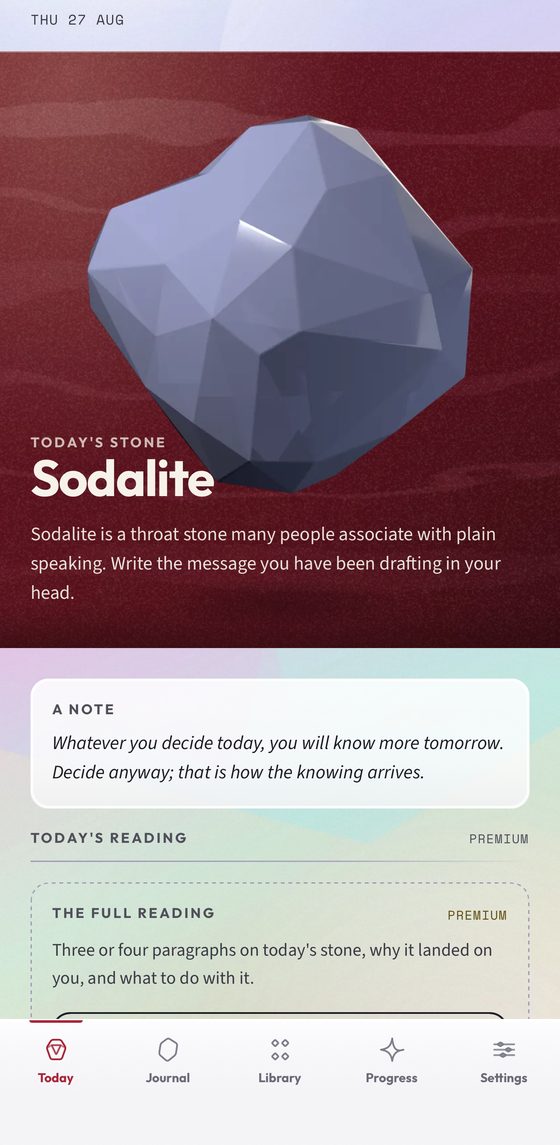
Pocketstone names one stone each morning and works outward from it — a colour family, a material, and one small thing to do with your day. It takes about a minute.
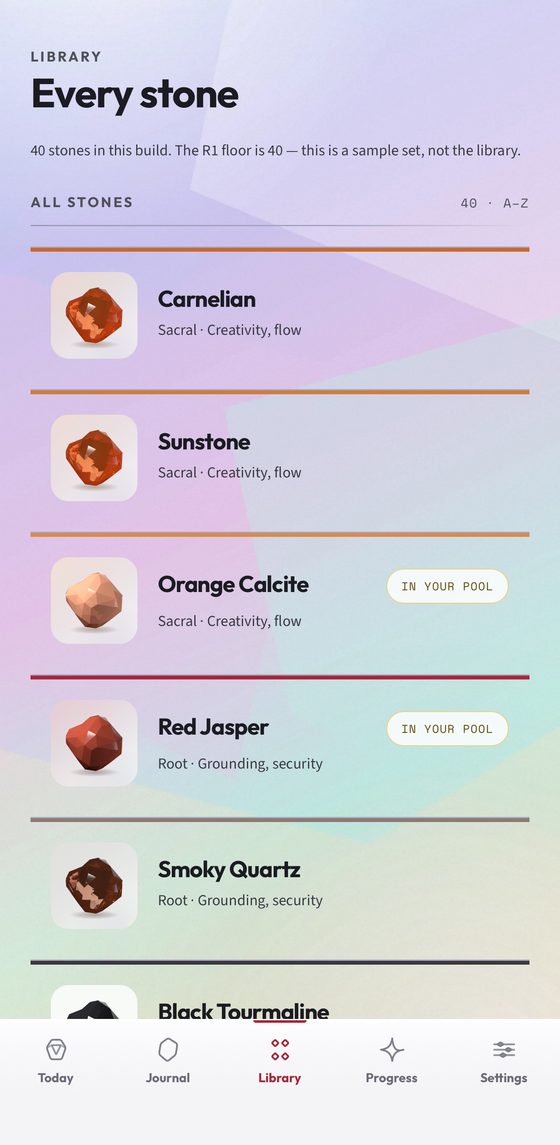
The reasoning is the product, not the verdict. Every recommendation opens into the six steps that produced it, so you can disagree with any of them, and the forty stones in the library each carry their chakra, their keywords, and whether they are already in your pool.
The mineralogy is real and sourced. Composition, hardness, crystal system, optical properties, geographic provenance and documented cultural history, each traceable to a reference rather than to an app’s imagination.
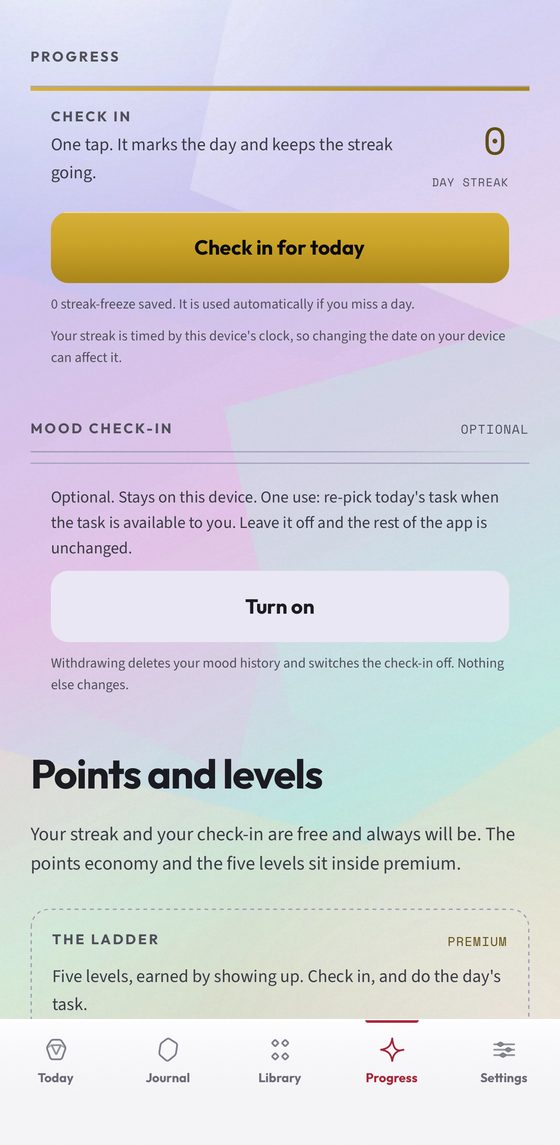
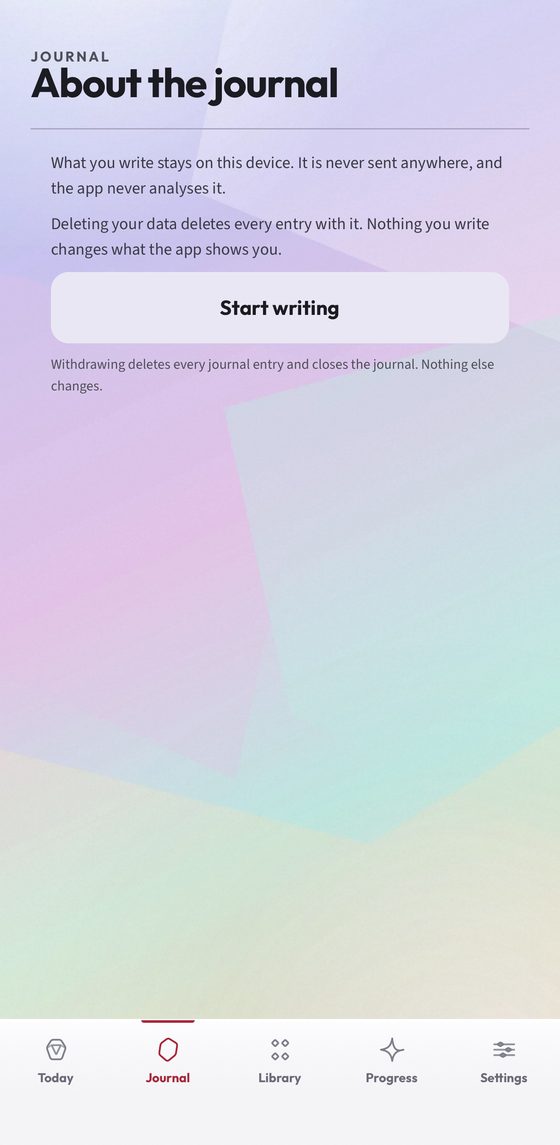
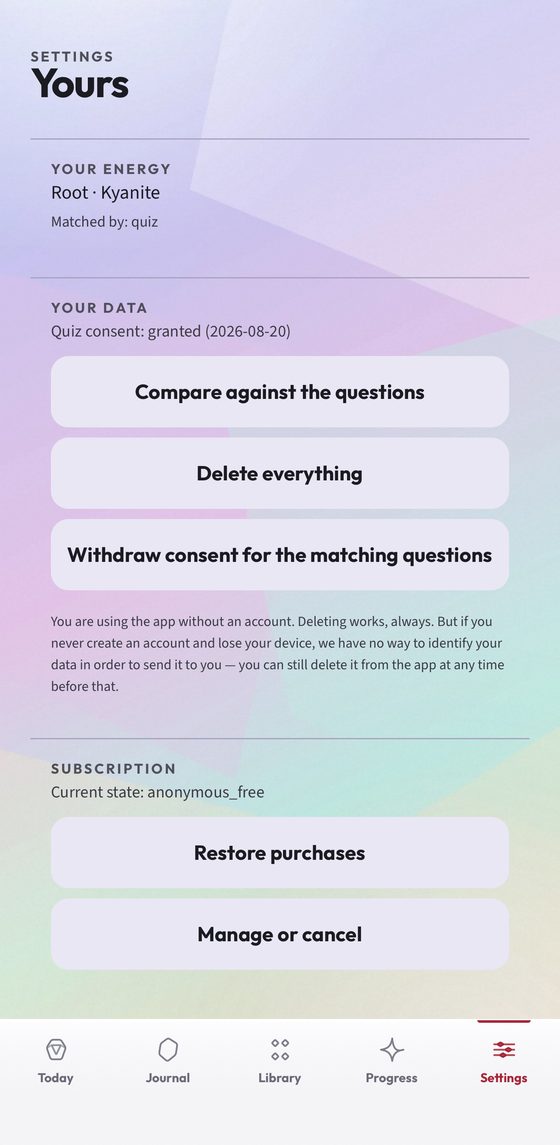
Your journal never leaves the phone — entries are not sent anywhere and are not analysed. Settings shows exactly which answers matched you to your stone, and lets you compare them, delete everything, or withdraw the answers entirely, with no account and nothing to email.
Pocketstone describes cultural and historical traditions. There is no scientific evidence that crystals affect health, mood or wellbeing, and nothing in the app is advice about any medical matter or a substitute for a professional.
Get it
iPhone & iPad
The beta runs through Apple's TestFlight app. Install TestFlight first, then this link opens straight into the invitation.
Test on TestFlight (opens in a new tab)Android
Open testing on Google Play — no group to join. Tap the link, choose Become a tester, then install from the Play page it hands you.
Join the beta on Google Play (opens in a new tab)How the readings are made · Privacy policy · Support · All apps · All betas · Contact