
In testing · iPhone & Android
Vaara
Your day, read the way the panchang reads it.
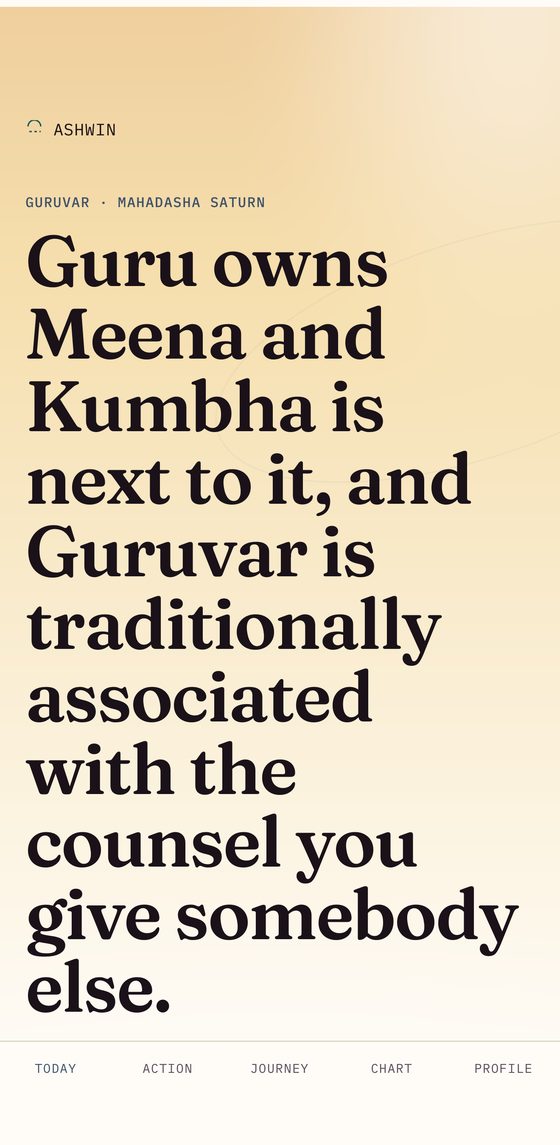
Vaara reads your day by the weekday lord, your birth nakshatra and the transiting Moon, then places all of it against the mahadasha you are living through.
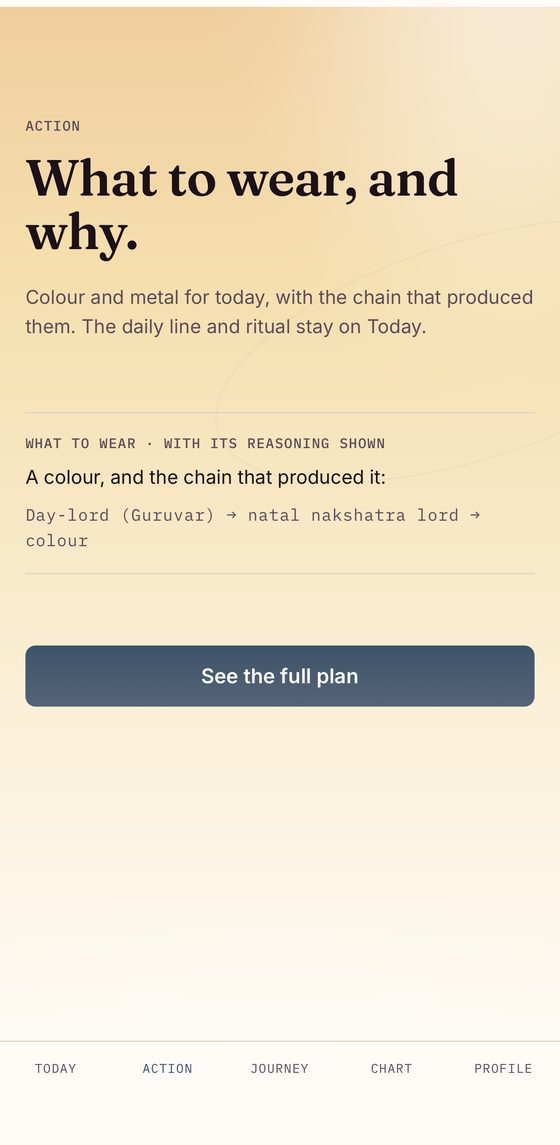
It shows the chain, not just the verdict. The colour and metal for the day arrive with the derivation that produced them — day-lord, to natal nakshatra lord, to colour — and the daily line stays on Today rather than behind a tap.
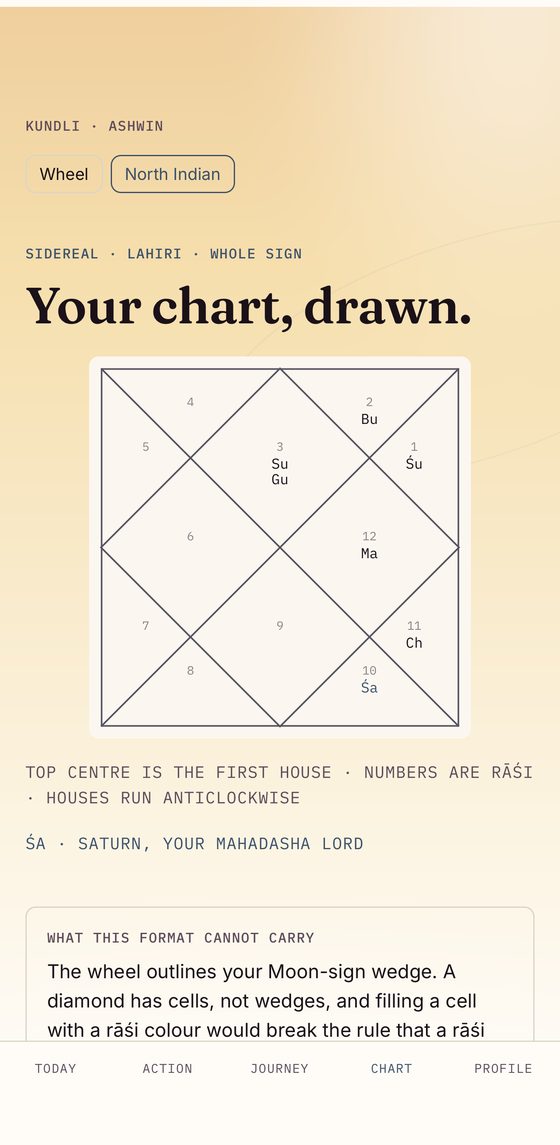
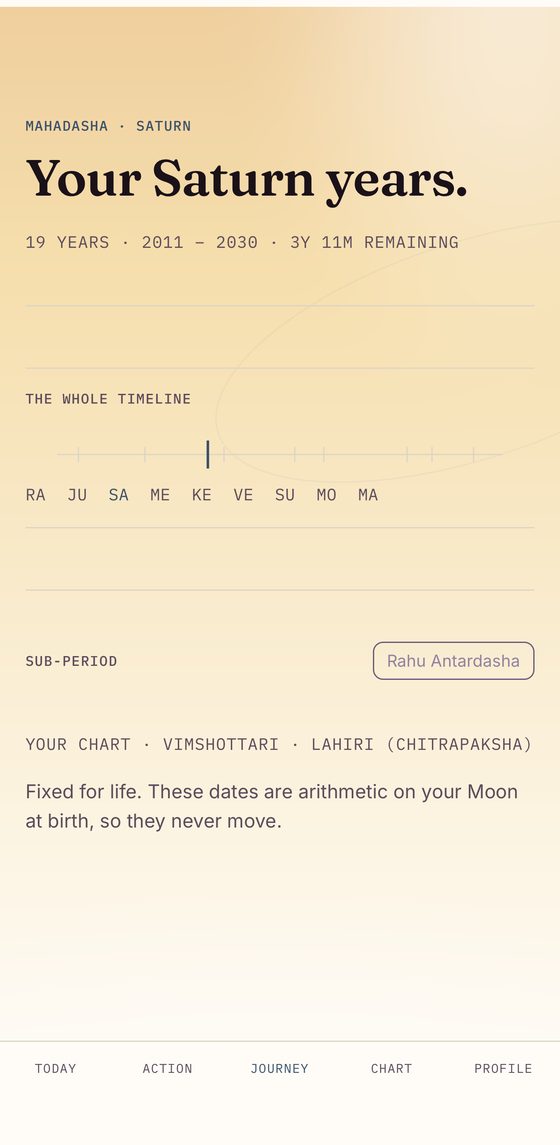
The kundli and the dasha timeline are both there to open: a North Indian chart computed sidereally against the Lahiri (Chitrapaksha) ayanamsa, and your whole Vimshottari sequence with the years each period runs and how much of the current one is left.
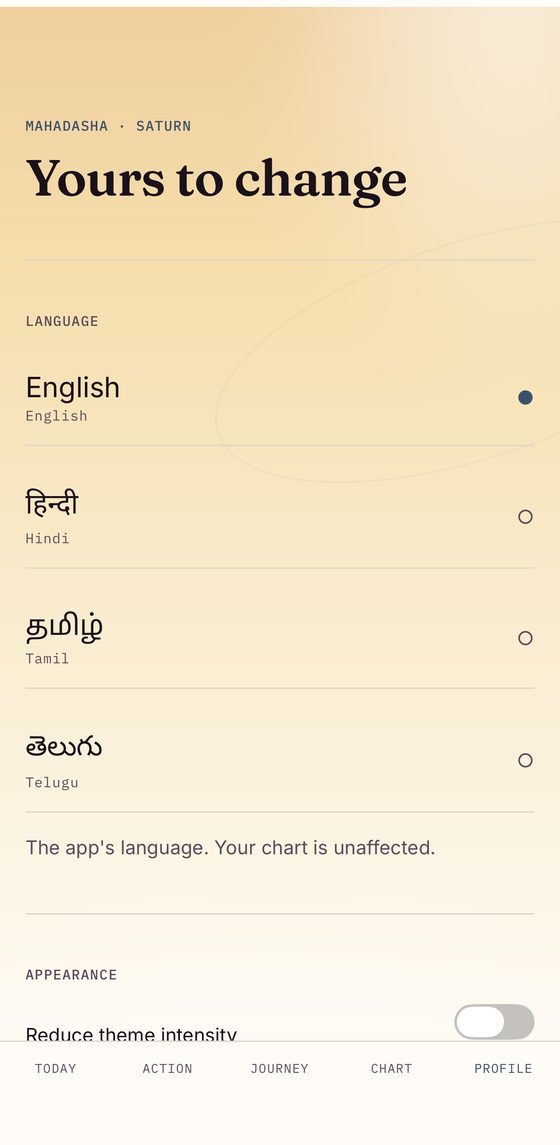
Charts are computed on the device against a pinned IANA timezone release, so the same birth details always resolve to the same chart. The app reads in English, Hindi, Tamil and Telugu, and the language you pick never changes the chart.
Vaara presents belief-based guidance drawn from Jyotish tradition. There is no scientific evidence that planetary positions affect health, mood or wellbeing, it is not a prediction of what will happen, and nothing in it is advice about any medical matter.
Get it
iPhone & iPad
The beta runs through Apple's TestFlight app. Install TestFlight first, then this link opens straight into the invitation.
Test on TestFlight (opens in a new tab)Android
Open testing on Google Play — no group to join. Tap the link, choose Become a tester, then install from the Play page it hands you.
Join the beta on Google Play (opens in a new tab)How the readings are made · Privacy policy · Support · All apps · All betas · Contact