
Free on iPhone & Android
Laser Sharp
Alien Salvage
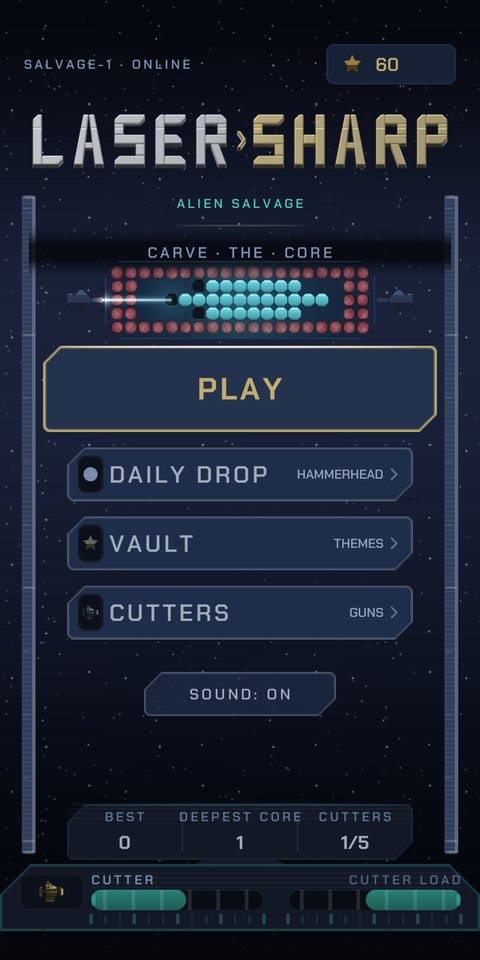
Twin lasers. One alien core. Beat the clock.
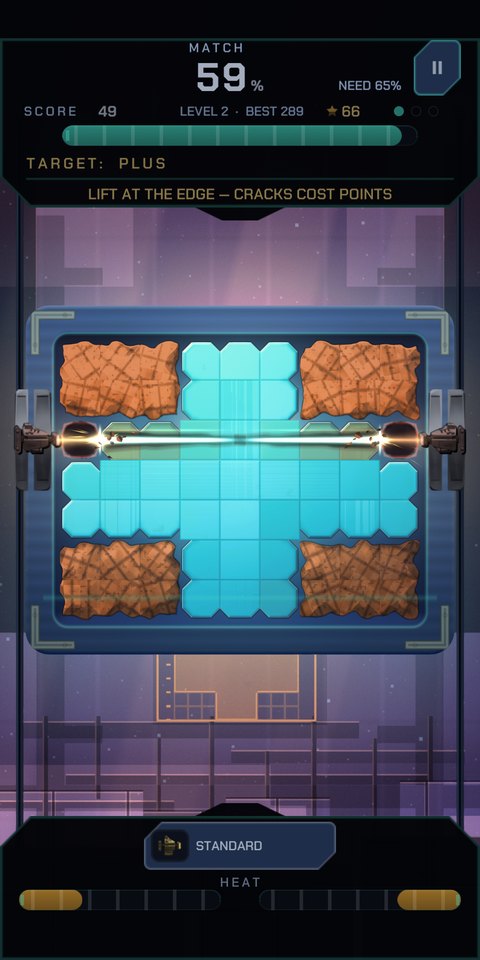
A salvage rig, a block of alien tech, and thirty seconds. Two laser cutters ride the rails on either side of the core — one under each thumb. Peel the crust, carve the glowing core to match the blueprint, and get out before the clock hits zero.
How it plays
- Two thumbs, two cutters. Slide each one along its rail and fire. They cut from the outside in.
- Match the blueprint. The schematic under the board is the shape you are carving toward — get close enough and the core clears.
- Don't overcut. Cracks cost points, and three destroyed cells end the run.
- Watch the heat. Hold a cutter too long and it jams exactly when you need it.
- 300 levels deep. Armour plating, oscillating spin, and blind runs where the blueprint vanishes.
Get it
iPhone & iPad
Out now on the App Store — a normal download, no TestFlight needed.
Download free (opens in a new tab)Android
Public on Google Play — a normal install, no group to join.
Get it on Google Play (opens in a new tab)Good to know
- Free, with no account and no sign-up.
- Plays fully offline. Progress stays on your device.
- Optional rewarded ads only — nothing forced, and the game is complete without them.
- Found something broken or too hard? Tell me.